
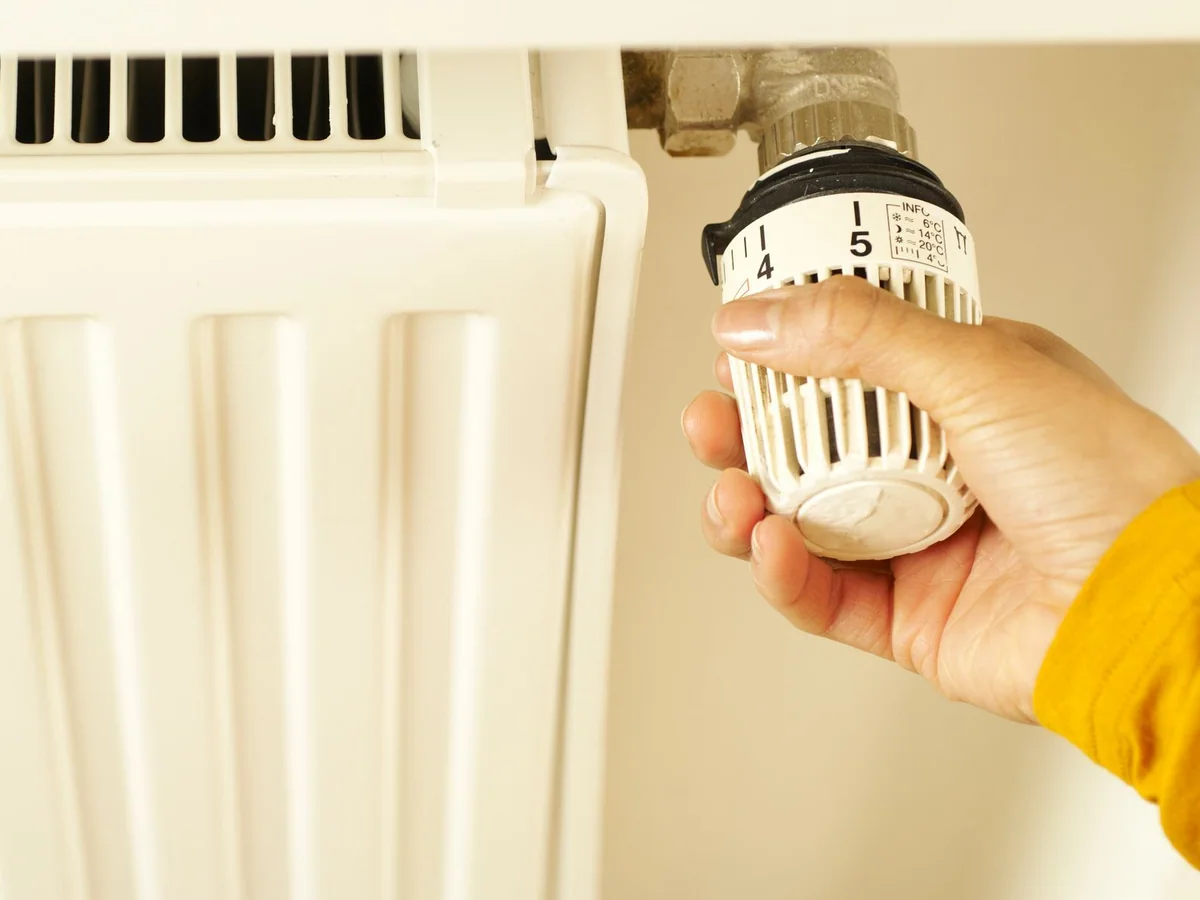
A renter-aware thermostat guide covering C-wire adapters, battery power, HVAC compatibility, and lease constraints. This guide is written for renters and owners in apartments or smaller homes with older heating and cooling systems and focuses on add scheduling and remote control without damaging the system or lease. Product categories are compared by fit and tradeoff rather than a made-up test score.
Quick answer
Confirm the HVAC system type and the wires at the existing thermostat before buying. If there is no C-wire, use a compatible power adapter or choose a battery-powered model; do not assume every smart thermostat will work.
Product categories to compare
These categories reflect the most important product differences for this decision. Use the retailer searches to compare current stock, dimensions, care instructions, and warranty terms.
Best overall
C-wire smart thermostat
- Best for
- homes with a compatible low-voltage HVAC system
- Look for
- Clear compatibility charts, local scheduling, and a wiring adapter if needed.
- Tradeoff
- Installation may expose a system that needs service.
Best for tighter spaces
battery-powered smart thermostat
- Best for
- rentals with older wiring and simple heating systems
- Look for
- Battery life, offline scheduling, and a wall plate that covers the old footprint.
- Tradeoff
- Battery models may not support all system types.
Best value-minded choice
thermostat with remote room sensor
- Best for
- bedrooms or offices that are warmer or cooler than the main room
- Look for
- A sensor that can be prioritized by schedule and a clear privacy policy.
- Tradeoff
- Multiple sensors add setup complexity.
Identify the HVAC System
Smart thermostats support different combinations of heating, cooling, fan, and heat-pump wires. Look up the model of the existing equipment and compare it with the thermostat's compatibility guide. A standard gas furnace and air conditioner is different from a heat pump, electric baseboard, or boiler. If the control board is inaccessible, a battery-powered thermostat may be the better option.
Solve the Power Question
A C-wire provides continuous power and is preferred by many smart thermostats. Without one, a power adapter can sometimes be installed at the HVAC board, but that may require professional work. Battery-powered models are easier for renters but may lose scheduling during long outages. Never use a USB cable or improvised transformer unless the manufacturer explicitly approves the setup.
Plan the Installation and Lease Approval
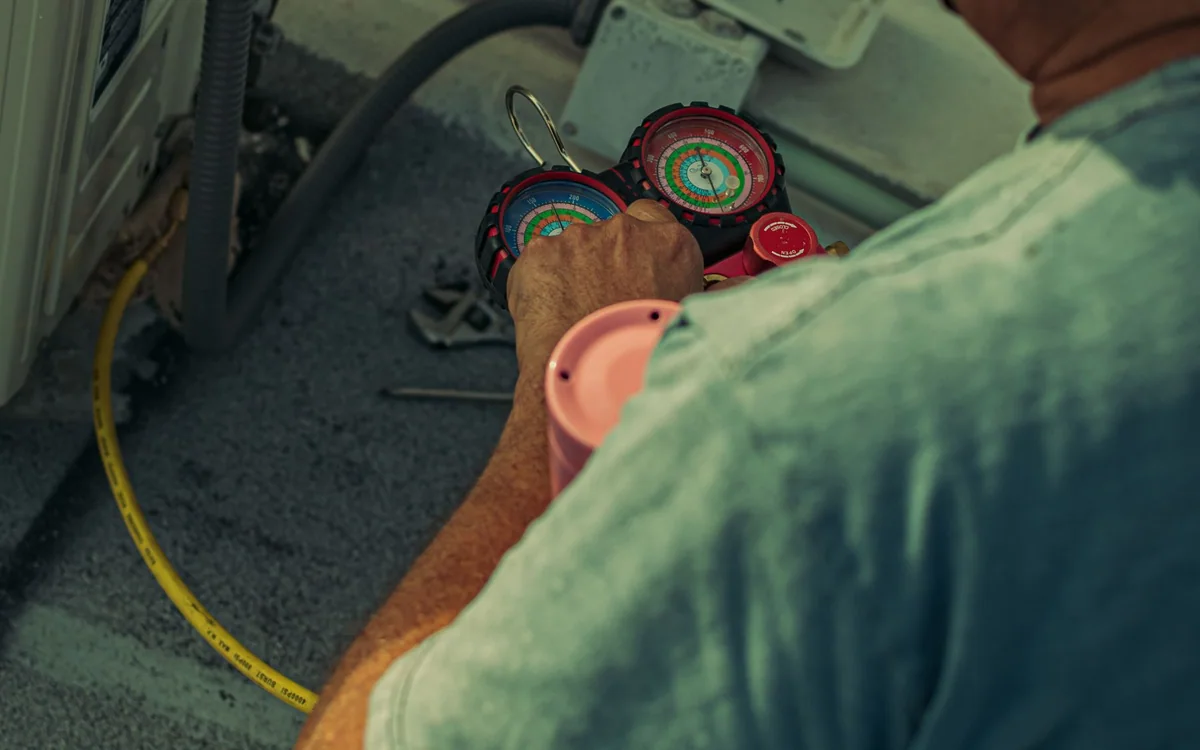
Turn off the HVAC at the breaker before touching wires. Label the wires and photograph the terminal connections. A wall plate can cover small marks, but a larger installation change may need landlord approval. If the thermostat controls a shared system, do not replace it without written permission.
Use Schedules That Match Real Life
Set a schedule around work, sleep, and occupancy rather than copying a generic template. Use geofencing only if every household member understands how it works. A smart thermostat can improve comfort and may reduce energy use, but savings depend on the home, climate, utility rates, and how the system is operated.
Frequently asked questions
Can I install a smart thermostat without a C-wire?
Sometimes, using a compatible adapter or battery-powered model. Check the manufacturer's compatibility tool and do not guess at wiring.
Will a smart thermostat work with electric baseboard heat?
Most standard low-voltage thermostats will not. Electric baseboard systems often use line-voltage controls and need a different product or professional help.
Do smart thermostats save money?
They can help reduce energy use through schedules and occupancy controls, but savings are not guaranteed. The building envelope, equipment, and user behavior all matter.
What to do next
Write down the room dimensions, the items that must fit, and the maintenance you are willing to repeat before choosing a product. The best purchase is the one that fits the space and the household routine, not merely the one with the longest feature list.